
js怎么实现增行
实现增行的 JavaScript 方法
在 JavaScript 中实现增行功能通常涉及动态操作表格或列表的 DOM 结构。以下是几种常见场景的实现方式:
表格中动态添加行
通过 DOM 操作向表格末尾插入新行:
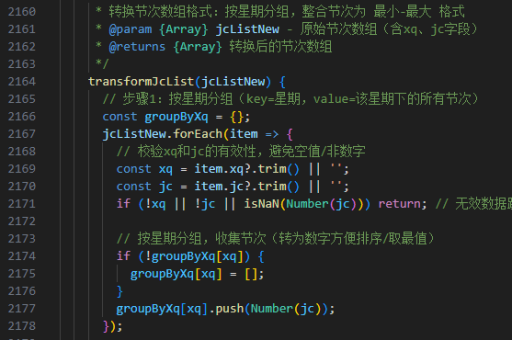
function addTableRow(tableId) {
  const table = document.getElementById(tableId);
  const newRow = table.insertRow();

  // 添加单元格(假设表格有 3 列)
  const cell1 = newRow.insertCell(0);
  const cell2 = newRow.insertCell(1);
  const cell3 = newRow.insertCell(2);

  cell1.innerHTML = '<input type="text">';
  cell2.innerHTML = '<input type="text">';
  cell3.innerHTML = '<button onclick="deleteRow(this)">删除</button>';
}
使用模板克隆新行
当需要复制现有行结构时:

function cloneRow(templateId) {
  const template = document.getElementById(templateId);
  const clone = template.content.cloneNode(true);
  document.querySelector('tbody').appendChild(clone);
}
动态列表项添加
对于无序列表(UL)或有序列表(OL):
function addListItem(listId, text) {
  const list = document.getElementById(listId);
  const newItem = document.createElement('li');
  newItem.textContent = text || '新项目';
  list.appendChild(newItem);
}
使用框架简化操作(如 jQuery)
若项目中使用 jQuery:
$('#addRowBtn').click(function() {
  $('#targetTable tbody').append(
    '<tr><td><input type="text"></td><td><input type="text"></td></tr>'
  );
});
注意事项
- 动态生成的内容可能需要事件委托处理交互
- 新增行时应考虑表单数据的收集方式
- 对于大量数据操作建议使用文档片段(DocumentFragment)优化性能
以上方法可根据实际需求选择使用,核心思路是通过 JavaScript 操作 DOM 树实现动态内容添加。





