java 如何打出
在 Java 中打印输出
Java 提供了多种打印输出的方式,以下是几种常见的方法:
使用 System.out.print 或 System.out.printlnSystem.out.print 打印内容后不换行,而 System.out.println 会在打印后自动换行。
System.out.print("Hello, ");
System.out.println("World!");
输出结果:
Hello, World!使用 System.out.printf 格式化输出printf 允许使用格式化字符串,类似于 C 语言的 printf。
int num = 42;
System.out.printf("The answer is %d\n", num);
输出结果:
The answer is 42使用 String.format 构建格式化字符串String.format 可以生成格式化字符串,但不直接打印,需配合 System.out.println 使用。
String formatted = String.format("Value: %.2f", 3.14159);
System.out.println(formatted);
输出结果:
Value: 3.14使用 System.console().printf(适用于命令行环境)System.console() 提供了更灵活的交互式输出,但在某些 IDE 中可能返回 null。
Console console = System.console();
if (console != null) {
    console.printf("Enter your name: ");
    String name = console.readLine();
    console.printf("Hello, %s!", name);
}
高级打印方式
使用 PrintWriter 或 PrintStream
适用于文件或网络流打印,例如:
try (PrintWriter writer = new PrintWriter("output.txt")) {
    writer.println("This is written to a file.");
} catch (FileNotFoundException e) {
    e.printStackTrace();
}
使用日志框架(如 java.util.logging 或 Log4j)
适用于生产环境日志记录,而非简单调试打印。
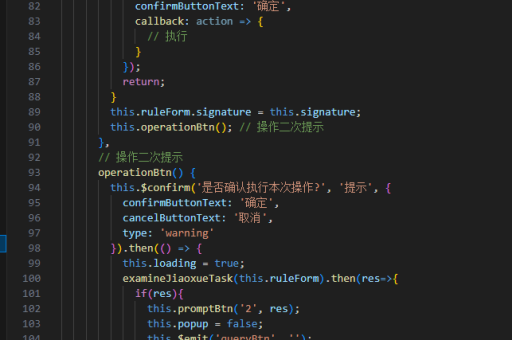
import java.util.logging.Logger;

Logger logger = Logger.getLogger("MyLogger");
logger.info("This is a log message.");
注意事项
System.out是标准输出流,适合调试,但不适合大规模日志记录。- 格式化占位符(如
%d、%s、%f)需与参数类型匹配,否则会抛出异常。 - 在 GUI 应用程序中,打印可能不会显示,需使用
JOptionPane或其他 UI 组件替代。