js alert实现
使用 JavaScript 的 alert 方法
alert 是 JavaScript 中最简单的弹窗方法,用于向用户显示一条消息。它会在浏览器中弹出一个模态对话框,用户必须点击“确定”才能继续操作。
语法:
alert("消息内容");示例:
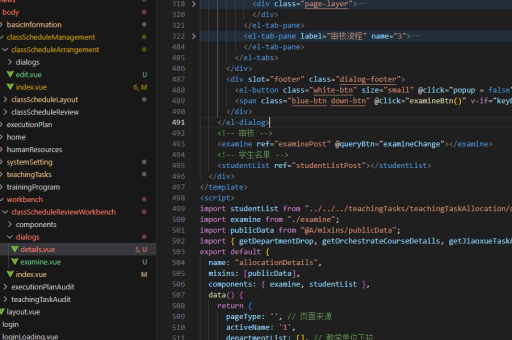
alert("欢迎访问我们的网站!");自定义弹窗样式
如果需要更灵活的弹窗样式,可以结合 HTML 和 CSS 自定义弹窗:
<div id="customAlert" style="display: none; position: fixed; top: 50%; left: 50%; transform: translate(-50%, -50%); background: white; padding: 20px; border: 1px solid #ccc; box-shadow: 0 0 10px rgba(0,0,0,0.1);">
    <p id="alertMessage"></p>
    <button onclick="document.getElementById('customAlert').style.display = 'none'">确定</button>
</div>

<script>
function showAlert(message) {
    document.getElementById('alertMessage').textContent = message;
    document.getElementById('customAlert').style.display = 'block';
}

showAlert("这是一个自定义弹窗!");
</script>
使用第三方库实现高级弹窗
对于更复杂的弹窗需求,可以使用第三方库如 SweetAlert2:

安装 SweetAlert2:
npm install sweetalert2使用示例:
import Swal from 'sweetalert2';

Swal.fire({
    title: '提示',
    text: '这是一个更美观的弹窗!',
    icon: 'info',
    confirmButtonText: '确定'
});
注意事项
alert会阻塞 JavaScript 执行,直到用户点击确定。- 过度使用
alert会影响用户体验,建议仅在必要时使用。 - 现代浏览器可能限制非用户触发的弹窗(如页面加载自动弹出)。