Vue界面实现
Vue 界面实现方法
基础环境搭建
安装最新版 Vue CLI 或使用 Vite 创建项目:
npm create vue@latest
# 或
npm create vite@latest
选择 Vue 3 + TypeScript/JavaScript 模板,安装依赖后启动开发服务器。
组件化开发
单文件组件(SFC)结构示例:
<template>
  <div class="container">
    <h1>{{ title }}</h1>
    <button @click="handleClick">点击</button>
  </div>
</template>

<script setup>
import { ref } from 'vue'
const title = ref('Vue 3 组件')
const handleClick = () => alert('触发事件')
</script>

<style scoped>
.container { color: #42b983; }
</style>
状态管理
使用 Pinia 替代 Vuex 进行状态管理:
npm install pinia创建 store 示例:
// stores/counter.js
import { defineStore } from 'pinia'
export const useCounterStore = defineStore('counter', {
  state: () => ({ count: 0 }),
  actions: { increment() { this.count++ } }
})
组件中使用:
<script setup>
import { useCounterStore } from './stores/counter'
const counter = useCounterStore()
</script>
<template>{{ counter.count }}</template>
路由配置
安装 Vue Router:
npm install vue-router@4路由配置示例:
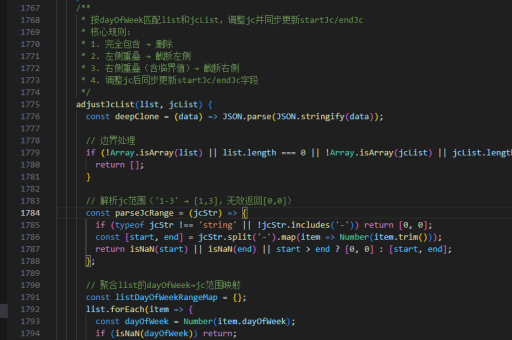
import { createRouter, createWebHistory } from 'vue-router'
const routes = [
  { path: '/', component: Home },
  { path: '/about', component: About }
]
const router = createRouter({
  history: createWebHistory(),
  routes
})
UI 库集成
常用 UI 库安装命令:
# Element Plus
npm install element-plus
# Vant (移动端)
npm install vant
按需引入示例(以 Element Plus 为例):
import { ElButton } from 'element-plus'
app.component(ElButton.name, ElButton)
响应式布局
使用 CSS Flex/Grid 实现响应式:
.container {
  display: grid;
  grid-template-columns: repeat(auto-fit, minmax(300px, 1fr));
  gap: 20px;
}
结合媒体查询:
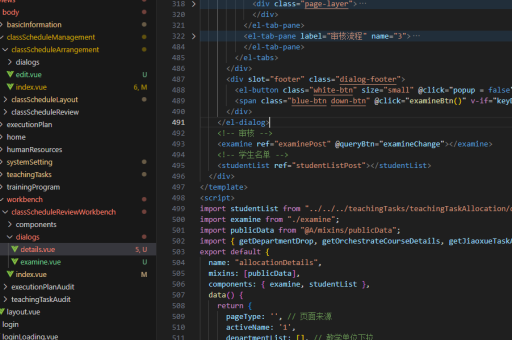
@media (max-width: 768px) {
  .sidebar { display: none; }
}
API 交互
使用 axios 进行 HTTP 请求:
npm install axios请求封装示例:
import axios from 'axios'
const api = axios.create({ baseURL: 'https://api.example.com' })
export const getData = () => api.get('/data')
动画实现
Vue 过渡动画示例:
<transition name="fade">
  <div v-if="show">渐变内容</div>
</transition>
<style>
.fade-enter-active, .fade-leave-active {
  transition: opacity 0.5s;
}
.fade-enter-from, .fade-leave-to {
  opacity: 0;
}
</style>
性能优化
代码分割与懒加载:
const About = () => import('./views/About.vue')使用 keep-alive 缓存组件:
<keep-alive>
  <component :is="currentComponent"/>
</keep-alive>