vue实现图片添加文字
使用Canvas实现图片添加文字
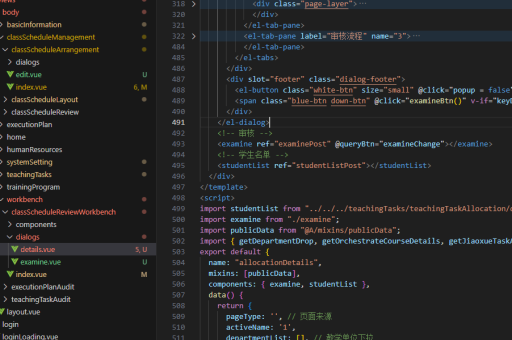
在Vue中可以通过Canvas动态绘制图片并添加文字。创建一个Vue组件,利用Canvas API完成操作。
<template>
  <div>
    <input type="file" @change="handleImageUpload" accept="image/*">
    <canvas ref="canvas" width="500" height="500"></canvas>
  </div>
</template>

<script>
export default {
  methods: {
    handleImageUpload(event) {
      const file = event.target.files[0]
      const reader = new FileReader()
      reader.onload = e => {
        const img = new Image()
        img.onload = () => {
          this.drawImageWithText(img)
        }
        img.src = e.target.result
      }
      reader.readAsDataURL(file)
    },
    drawImageWithText(img) {
      const canvas = this.$refs.canvas
      const ctx = canvas.getContext('2d')
      ctx.drawImage(img, 0, 0, canvas.width, canvas.height)

      ctx.font = '30px Arial'
      ctx.fillStyle = 'white'
      ctx.strokeStyle = 'black'
      ctx.lineWidth = 2
      ctx.textAlign = 'center'

      const text = '示例文字'
      const x = canvas.width / 2
      const y = canvas.height - 50

      ctx.strokeText(text, x, y)
      ctx.fillText(text, x, y)
    }
  }
}
</script>
使用CSS叠加文字
对于简单的文字叠加需求,可以使用CSS绝对定位实现文字覆盖效果。

<template>
  <div class="image-container">
    <img :src="imageSrc" alt="背景图片">
    <div class="overlay-text">{{ text }}</div>
  </div>
</template>

<script>
export default {
  data() {
    return {
      imageSrc: 'path/to/image.jpg',
      text: '叠加文字内容'
    }
  }
}
</script>

<style>
.image-container {
  position: relative;
  display: inline-block;
}

.overlay-text {
  position: absolute;
  bottom: 20px;
  left: 0;
  right: 0;
  color: white;
  font-size: 24px;
  text-align: center;
  text-shadow: 1px 1px 2px black;
}
</style>
使用第三方库
对于更复杂的需求,可以考虑使用专门处理图片的库如fabric.js或html2canvas。
安装fabric.js:
npm install fabric组件示例:
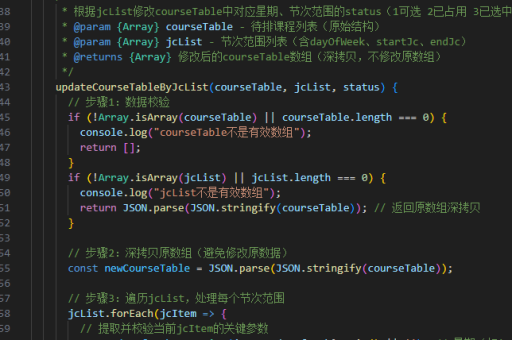
<template>
  <div>
    <input type="file" @change="handleImageUpload">
    <canvas ref="canvas" width="500" height="500"></canvas>
    <button @click="addText">添加文字</button>
  </div>
</template>

<script>
import { fabric } from 'fabric'

export default {
  data() {
    return {
      canvas: null
    }
  },
  mounted() {
    this.canvas = new fabric.Canvas(this.$refs.canvas)
  },
  methods: {
    handleImageUpload(event) {
      const file = event.target.files[0]
      const reader = new FileReader()
      reader.onload = e => {
        fabric.Image.fromURL(e.target.result, img => {
          this.canvas.add(img)
        })
      }
      reader.readAsDataURL(file)
    },
    addText() {
      const text = new fabric.Text('可编辑文字', {
        left: 100,
        top: 100,
        fontFamily: 'Arial',
        fontSize: 30,
        fill: '#ffffff',
        stroke: '#000000',
        strokeWidth: 1,
        editable: true
      })
      this.canvas.add(text)
    }
  }
}
</script>
实现文字编辑功能
结合Vue响应式数据和Canvas,可以实现动态文字编辑功能。
<template>
  <div>
    <input v-model="textContent" placeholder="输入文字内容">
    <input type="color" v-model="textColor">
    <input type="range" v-model="fontSize" min="10" max="72">
    <canvas ref="canvas" width="500" height="500"></canvas>
  </div>
</template>

<script>
export default {
  data() {
    return {
      textContent: '',
      textColor: '#000000',
      fontSize: 24,
      image: null
    }
  },
  watch: {
    textContent() {
      this.redraw()
    },
    textColor() {
      this.redraw()
    },
    fontSize() {
      this.redraw()
    }
  },
  methods: {
    redraw() {
      if (!this.image) return

      const canvas = this.$refs.canvas
      const ctx = canvas.getContext('2d')
      ctx.clearRect(0, 0, canvas.width, canvas.height)
      ctx.drawImage(this.image, 0, 0, canvas.width, canvas.height)

      if (this.textContent) {
        ctx.font = `${this.fontSize}px Arial`
        ctx.fillStyle = this.textColor
        ctx.textAlign = 'center'
        ctx.fillText(this.textContent, canvas.width/2, canvas.height/2)
      }
    }
  }
}
</script>