node vue 实现小程序
使用 Node.js 和 Vue.js 实现小程序的步骤
技术栈选择
Node.js 作为后端服务,提供 API 接口和数据存储功能。Vue.js 用于构建前端页面,结合小程序框架(如 uni-app 或 Taro)实现跨平台小程序开发。
后端开发(Node.js)
安装 Express 框架搭建后端服务:
npm init -y
npm install express body-parser cors
创建基础服务器:
const express = require('express');
const app = express();
app.use(require('body-parser').json());
app.use(require('cors')());

app.get('/api/data', (req, res) => {
  res.json({ message: 'Hello from Node.js' });
});

app.listen(3000, () => console.log('Server running on port 3000'));
前端开发(Vue.js + uni-app)
安装 uni-app 开发环境(基于 Vue.js 的小程序框架):
npm install -g @vue/cli
vue create -p dcloudio/uni-preset-vue my-project
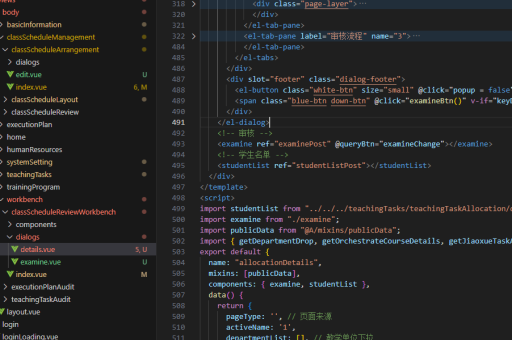
开发 Vue 组件:
<template>
  <view>
    <button @click="fetchData">获取数据</button>
    <text>{{ message }}</text>
  </view>
</template>

<script>
export default {
  data() {
    return { message: '' }
  },
  methods: {
    async fetchData() {
      const res = await uni.request({ url: 'http://localhost:3000/api/data' });
      this.message = res.data.message;
    }
  }
}
</script>
跨平台编译
通过 uni-app 编译为多端小程序:
npm run dev:mp-weixin  # 微信小程序
npm run dev:mp-alipay  # 支付宝小程序
数据交互优化
使用 Axios 封装请求:
import axios from 'axios';
const api = axios.create({ baseURL: 'http://your-api-domain.com' });

// 请求拦截
api.interceptors.request.use(config => {
  config.headers.Authorization = `Bearer ${token}`;
  return config;
});
部署与发布
后端部署到云服务(如阿里云、腾讯云),前端通过小程序开发者工具上传审核。配置 HTTPS 确保通信安全,使用 PM2 管理 Node.js 进程:
pm2 start server.js注意事项
- 小程序域名需配置合法 HTTPS 地址
- 跨端开发注意各平台 API 差异
- 小程序包大小限制需优化资源加载
- 使用 Vuex 管理复杂状态
通过以上方法可实现 Node.js + Vue.js 的技术栈开发跨平台小程序应用,兼顾开发效率和性能需求。