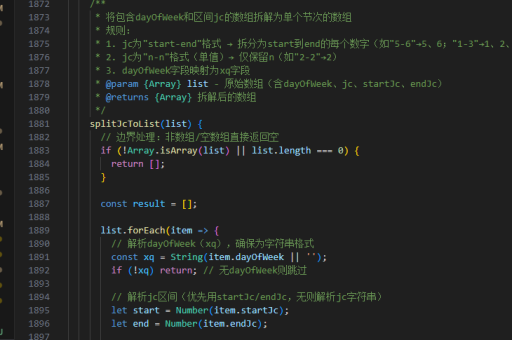
用vue实现的
Vue 实现方法
在 Vue 中实现功能通常需要结合组件、状态管理和生命周期钩子。以下是一个通用的 Vue 实现示例,假设需要实现一个简单的计数器功能。
模板部分
在 Vue 单文件组件(.vue)的 <template> 部分,定义用户界面元素。例如,创建一个计数器按钮和显示区域:
<template>
  <div>
    <p>当前计数:{{ count }}</p>
    <button @click="increment">增加</button>
    <button @click="decrement">减少</button>
  </div>
</template>
脚本部分
在 <script> 部分,定义数据和方法。使用 data 初始化状态,并通过 methods 实现逻辑:
<script>
export default {
  data() {
    return {
      count: 0
    };
  },
  methods: {
    increment() {
      this.count++;
    },
    decrement() {
      this.count--;
    }
  }
};
</script>
样式部分
在 <style> 部分添加样式(可选):
<style>
button {
  margin: 0 5px;
  padding: 8px 16px;
}
</style>
使用 Vue 3 Composition API
对于 Vue 3,可以使用 Composition API 实现相同功能:
<template>
  <div>
    <p>当前计数:{{ count }}</p>
    <button @click="increment">增加</button>
    <button @click="decrement">减少</button>
  </div>
</template>

<script setup>
import { ref } from 'vue';

const count = ref(0);
const increment = () => count.value++;
const decrement = () => count.value--;
</script>
状态管理(Vuex/Pinia)
如果需要全局状态管理,可以集成 Vuex 或 Pinia。以 Pinia 为例:
-
安装 Pinia:
npm install pinia -
创建 Store:
// stores/counter.js import { defineStore } from 'pinia'; export const useCounterStore = defineStore('counter', { state: () => ({ count: 0 }), actions: { increment() { this.count++; }, decrement() { this.count--; } } }); -
在组件中使用:
<template>
  <div>
    <p>当前计数:{{ counter.count }}</p>
    <button @click="counter.increment">增加</button>
    <button @click="counter.decrement">减少</button>
  </div>
</template>

<script setup>
import { useCounterStore } from '@/stores/counter';
const counter = useCounterStore();
</script>
生命周期钩子
在 Vue 中,可以通过生命周期钩子执行初始化或清理操作。例如,在组件挂载时加载数据:
<script>
export default {
  data() {
    return {
      posts: []
    };
  },
  async mounted() {
    const response = await fetch('https://api.example.com/posts');
    this.posts = await response.json();
  }
};
</script>
响应式处理
Vue 的响应式系统自动跟踪依赖。对于复杂逻辑,可以使用 computed 或 watch:
<script>
export default {
  data() {
    return {
      firstName: '张',
      lastName: '三'
    };
  },
  computed: {
    fullName() {
      return `${this.firstName} ${this.lastName}`;
    }
  }
};
</script>
以上示例覆盖了 Vue 的基础实现、Composition API、状态管理及常用特性。根据具体需求选择合适的方式。