Vue界面实现
Vue 界面实现基础
Vue.js 是一个渐进式 JavaScript 框架,用于构建用户界面。其核心思想是数据驱动和组件化开发,适合构建单页应用(SPA)或复杂的前端界面。
环境准备
确保已安装 Node.js(建议版本 16+)和 npm/yarn。通过以下命令安装 Vue CLI(官方脚手架工具):
npm install -g @vue/cli创建新项目:
vue create my-project组件化开发
Vue 的核心是组件化。每个组件由三部分组成:模板(Template)、脚本(Script)和样式(Style)。示例组件结构:
<template>
  <div class="example">
    <h1>{{ title }}</h1>
    <button @click="handleClick">Click Me</button>
  </div>
</template>

<script>
export default {
  data() {
    return {
      title: 'Vue Component'
    }
  },
  methods: {
    handleClick() {
      alert('Button clicked!')
    }
  }
}
</script>

<style scoped>
.example {
  color: #42b983;
}
</style>
数据绑定与指令
Vue 提供多种数据绑定方式:
- 插值表达式:
{{ data }} - 指令:
v-bind(缩写:):动态绑定属性v-model:双向数据绑定(表单)v-for:列表渲染v-if/v-show:条件渲染
示例:
<template>
  <div>
    <input v-model="message" placeholder="Edit me">
    <p>Message is: {{ message }}</p>
    <ul>
      <li v-for="(item, index) in items" :key="index">
        {{ item.text }}
      </li>
    </ul>
  </div>
</template>
状态管理(Vuex/Pinia)
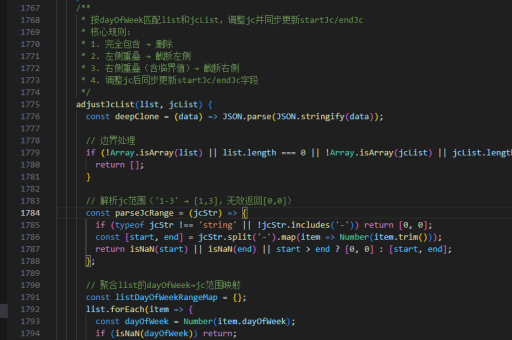
对于复杂应用,建议使用状态管理库:
-
Vuex(官方方案):
import { createStore } from 'vuex' export default createStore({ state: { count: 0 }, mutations: { increment(state) { state.count++ } } }) -
Pinia(推荐新项目使用):
import { defineStore } from 'pinia'

export const useCounterStore = defineStore('counter', {
  state: () => ({ count: 0 }),
  actions: {
    increment() {
      this.count++
    }
  }
})
路由配置(Vue Router)
实现页面导航:
import { createRouter, createWebHistory } from 'vue-router'
import Home from './views/Home.vue'

const routes = [
  { path: '/', component: Home },
  { path: '/about', component: () => import('./views/About.vue') }
]

const router = createRouter({
  history: createWebHistory(),
  routes
})
UI 库集成
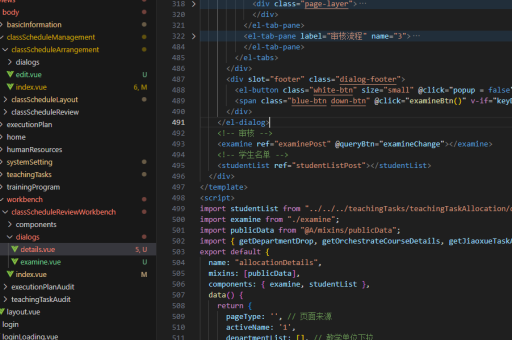
常用 UI 框架可快速构建美观界面:
-
Element Plus:
npm install element-plus全局引入:
import ElementPlus from 'element-plus' import 'element-plus/dist/index.css' createApp(App).use(ElementPlus).mount('#app') -
Vant(移动端):
npm install vant
响应式设计
使用 CSS 媒体查询或 Flex/Grid 布局实现响应式。Vue 支持条件渲染适配不同设备:
<template>
  <div>
    <DesktopView v-if="!isMobile" />
    <MobileView v-else />
  </div>
</template>

<script>
export default {
  data() {
    return {
      isMobile: window.innerWidth < 768
    }
  },
  mounted() {
    window.addEventListener('resize', this.handleResize)
  },
  methods: {
    handleResize() {
      this.isMobile = window.innerWidth < 768
    }
  }
}
</script>
性能优化
- 使用
v-if替代v-show减少初始渲染负载 - 路由懒加载:
component: () => import('./views/About.vue') - 第三方库按需引入
- 生产环境启用压缩和代码分割
部署流程
构建生产版本:
npm run build输出文件位于 dist/ 目录,可部署到静态服务器或 CDN。