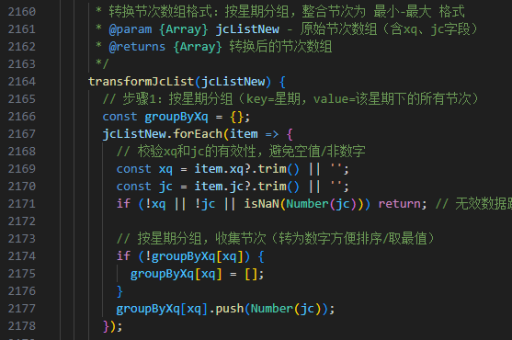
react实现行号
实现行号的基本方法
在React中实现行号通常涉及渲染一个带有行号的列表或文本编辑器。以下是几种常见场景的解决方案:
纯文本显示行号
对于简单的文本行号显示,可以使用数组的map方法生成带行号的列表:
const TextWithLineNumbers = ({ text }) => {
  const lines = text.split('\n');

  return (
    <div style={{ fontFamily: 'monospace' }}>
      {lines.map((line, index) => (
        <div key={index}>
          <span style={{ color: 'gray', marginRight: '10px' }}>{index + 1}</span>
          {line}
        </div>
      ))}
    </div>
  );
};
代码编辑器行号实现
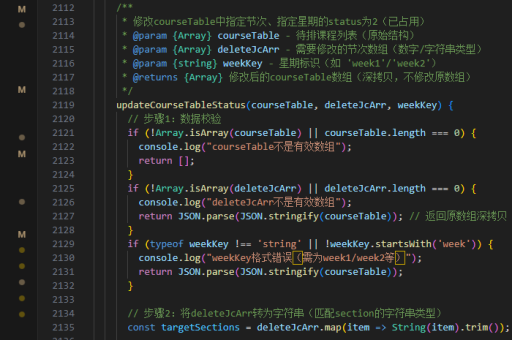
对于代码编辑器,可以结合textarea或专业编辑器库实现:
const CodeEditor = () => {
  const [code, setCode] = useState('');
  const lines = code.split('\n');

  return (
    <div style={{ display: 'flex' }}>
      <div style={{
        paddingRight: '10px',
        textAlign: 'right',
        userSelect: 'none'
      }}>
        {lines.map((_, i) => (
          <div key={i}>{i + 1}</div>
        ))}
      </div>
      <textarea
        value={code}
        onChange={(e) => setCode(e.target.value)}
        style={{
          flex: 1,
          fontFamily: 'monospace',
          height: '300px'
        }}
      />
    </div>
  );
};
使用第三方库
专业场景建议使用现成的代码编辑器组件:
- react-simple-code-editor:轻量级可定制编辑器
- monaco-editor:VS Code同款编辑器
- codemirror:功能丰富的代码编辑器
安装示例(以react-simple-code-editor为例):
npm install react-simple-code-editor prismjs实现代码:
import Editor from 'react-simple-code-editor';
import { highlight, languages } from 'prismjs';
import 'prismjs/components/prism-javascript';

const CodeEditorWithLineNumbers = () => {
  const [code, setCode] = useState('');

  return (
    <Editor
      value={code}
      onValueChange={code => setCode(code)}
      highlight={code => highlight(code, languages.js, 'javascript')}
      padding={10}
      style={{
        fontFamily: '"Fira code", "Fira Mono", monospace',
        fontSize: 12,
      }}
      textareaId="code-editor"
      preClassName="language-js"
    />
  );
};
样式优化技巧
为获得更好的行号显示效果,可考虑以下CSS方案:
.line-numbers {
  counter-reset: line;
}

.line-numbers div::before {
  counter-increment: line;
  content: counter(line);
  display: inline-block;
  width: 2em;
  padding-right: 1em;
  margin-right: 1em;
  text-align: right;
  color: #999;
  border-right: 1px solid #ddd;
}
动态行号更新
对于需要频繁更新的内容,使用useMemo优化性能:
const DynamicLineNumbers = ({ content }) => {
  const lineCount = useMemo(() => content.split('\n').length, [content]);

  return (
    <div>
      {Array.from({ length: lineCount }).map((_, i) => (
        <div key={i}>{i + 1}</div>
      ))}
    </div>
  );
};
以上方案可根据具体需求选择,从简单文本显示到专业代码编辑器均有覆盖。