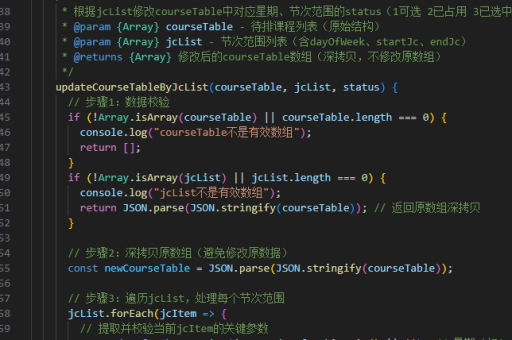
vue实现效果展示
Vue 实现效果展示的方法
动态数据绑定展示
通过 Vue 的响应式特性,实时展示数据变化。例如,表单输入与预览同步:
<template>
  <div>
    <input v-model="text" placeholder="输入内容">
    <p>实时预览:{{ text }}</p>
  </div>
</template>
<script>
export default {
  data() {
    return { text: '' }
  }
}
</script>
动画与过渡效果
使用 Vue 的 <transition> 组件实现元素显隐动画:

<template>
  <button @click="show = !show">切换</button>
  <transition name="fade">
    <p v-if="show">淡入淡出效果</p>
  </transition>
</template>
<style>
.fade-enter-active, .fade-leave-active {
  transition: opacity 0.5s;
}
.fade-enter, .fade-leave-to {
  opacity: 0;
}
</style>
组件化交互演示
封装可复用的交互组件,如轮播图:
<template>
  <div class="carousel">
    <img :src="currentImg" @click="next">
  </div>
</template>
<script>
export default {
  data() {
    return {
      images: ['img1.jpg', 'img2.jpg'],
      index: 0
    }
  },
  computed: {
    currentImg() {
      return this.images[this.index]
    }
  },
  methods: {
    next() {
      this.index = (this.index + 1) % this.images.length
    }
  }
}
</script>
第三方库集成
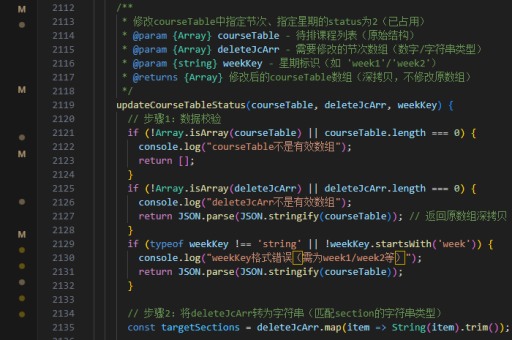
结合动画库如 GSAP 实现复杂效果:
import gsap from 'gsap'
export default {
  methods: {
    animateBox() {
      gsap.to(".box", {
        x: 100,
        duration: 1,
        rotation: 360
      })
    }
  }
}
状态管理展示
通过 Vuex 展示全局状态变化:
// store.js
export default new Vuex.Store({
  state: { count: 0 },
  mutations: {
    increment(state) {
      state.count++
    }
  }
})
组件中调用:
<template>
  <div>
    <p>计数器:{{ $store.state.count }}</p>
    <button @click="$store.commit('increment')">+1</button>
  </div>
</template>
效果优化技巧
- 使用
v-show替代v-if频繁切换的组件 - 对大型列表采用
virtual scrolling技术 - 通过
keep-alive缓存组件状态提升切换流畅度