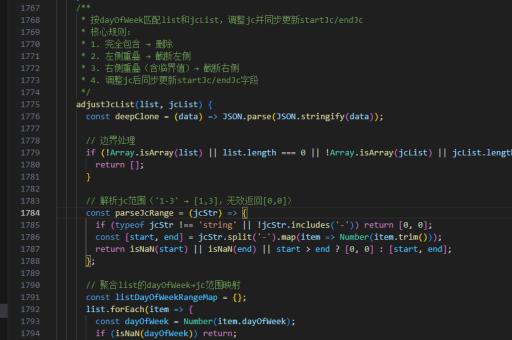
代码实现js
JavaScript 基础语法示例
以下是一个简单的 JavaScript 代码示例,展示变量声明、函数定义和事件处理:
// 变量声明
const greeting = 'Hello, World!';
let count = 0;

// 函数定义
function updateCounter() {
  count += 1;
  document.getElementById('counter').textContent = count;
}

// 事件监听
document.getElementById('btn').addEventListener('click', updateCounter);
DOM 操作示例
JavaScript 常用于操作网页元素:

// 获取元素
const header = document.querySelector('h1');

// 修改样式
header.style.color = 'blue';

// 创建新元素
const newParagraph = document.createElement('p');
newParagraph.textContent = 'This is dynamically added content';
document.body.appendChild(newParagraph);
异步编程示例
使用 Promise 和 async/await 处理异步操作:

// Promise 示例
function fetchData() {
  return new Promise((resolve) => {
    setTimeout(() => {
      resolve('Data received');
    }, 1000);
  });
}

// async/await 示例
async function processData() {
  const data = await fetchData();
  console.log(data);
}
processData();
现代 ES6+ 特性
展示箭头函数、模板字符串等 ES6 特性:
// 箭头函数
const add = (a, b) => a + b;

// 模板字符串
const name = 'Alice';
console.log(`Hello, ${name}!`);

// 解构赋值
const user = { id: 1, name: 'Bob' };
const { name: userName } = user;
错误处理示例
JavaScript 的错误处理机制:
try {
  // 可能出错的代码
  const result = riskyOperation();
  console.log(result);
} catch (error) {
  console.error('An error occurred:', error.message);
} finally {
  console.log('This always executes');
}