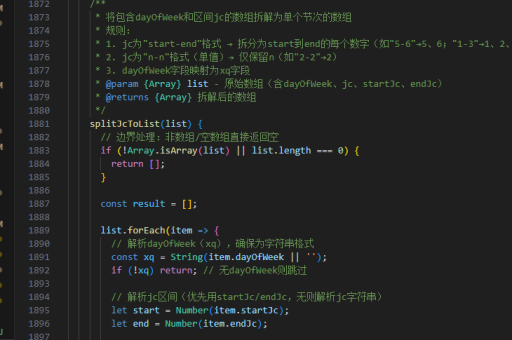
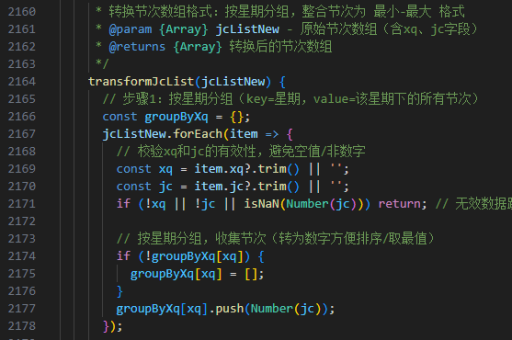
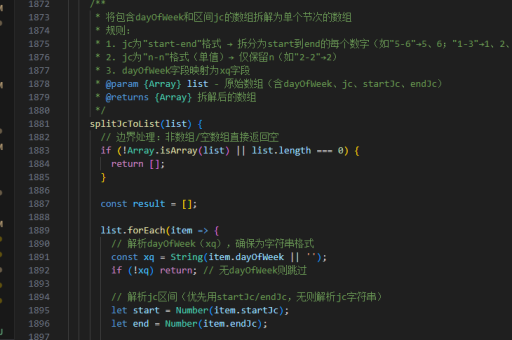
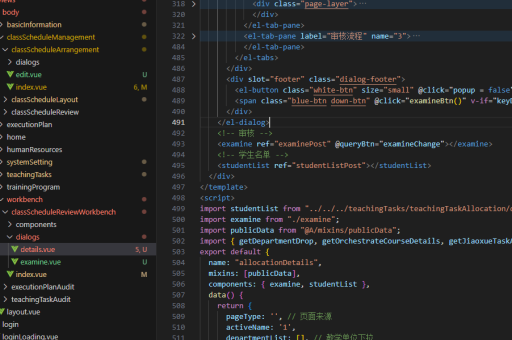
用vue怎么实现
使用 Vue 实现动态组件或功能
在 Vue 中实现动态功能通常涉及以下核心概念和方法,具体实现取决于具体需求(如动态渲染、状态管理、组件交互等)。以下是几种常见场景的实现方式:
动态组件渲染
通过 Vue 的 <component :is> 实现动态切换组件:
<template>
  <component :is="currentComponent"></component>
  <button @click="switchComponent('ComponentA')">切换A</button>
  <button @click="switchComponent('ComponentB')">切换B</button>
</template>

<script>
import ComponentA from './ComponentA.vue';
import ComponentB from './ComponentB.vue';

export default {
  data() {
    return {
      currentComponent: 'ComponentA'
    };
  },
  methods: {
    switchComponent(name) {
      this.currentComponent = name;
    }
  },
  components: { ComponentA, ComponentB }
};
</script>
状态管理(Vuex/Pinia)
使用 Pinia(推荐)管理全局状态:
- 安装 Pinia:
npm install pinia - 定义 Store:
// stores/counter.js
import { defineStore } from 'pinia';
export const useCounterStore = defineStore('counter', { state: () => ({ count: 0 }), actions: { increment() { this.count++; } } });
3. 在组件中使用:
```html
<template>
  <button @click="store.increment()">{{ store.count }}</button>
</template>

<script setup>
import { useCounterStore } from './stores/counter';
const store = useCounterStore();
</script>
表单双向绑定
使用 v-model 实现表单数据绑定:
<template>
  <input v-model="message" placeholder="输入内容">
  <p>{{ message }}</p>
</template>

<script>
export default {
  data() {
    return {
      message: ''
    };
  }
};
</script>
异步数据加载
结合 axios 获取异步数据:
<template>
  <div v-if="loading">加载中...</div>
  <ul v-else>
    <li v-for="item in list" :key="item.id">{{ item.name }}</li>
  </ul>
</template>

<script>
import axios from 'axios';

export default {
  data() {
    return {
      loading: true,
      list: []
    };
  },
  async created() {
    try {
      const response = await axios.get('https://api.example.com/data');
      this.list = response.data;
    } finally {
      this.loading = false;
    }
  }
};
</script>
自定义指令
实现一个自动聚焦的自定义指令:
// main.js
app.directive('focus', {
  mounted(el) {
    el.focus();
  }
});
使用方式:

<input v-focus>根据具体需求选择合适的方法,Vue 的响应式系统和组合式 API(<script setup>)能显著简化代码逻辑。