Css如何制作百度网页
CSS 制作百度网页
结构分析
百度首页主要由搜索框、导航栏、LOGO 和底部信息组成。使用 CSS 实现需先构建 HTML 结构,再通过 CSS 添加样式。
HTML 基础结构
<!DOCTYPE html>
<html>
<head>
    <title>百度一下,你就知道</title>
    <link rel="stylesheet" href="styles.css">
</head>
<body>
    <div class="nav">
        <a href="#">新闻</a>
        <a href="#">网页</a>
        <a href="#">贴吧</a>
    </div>
    <div class="main">
        <img src="baidu_logo.png" alt="百度LOGO">
        <div class="search-box">
            <input type="text">
            <button>百度一下</button>
        </div>
    </div>
    <div class="footer">
        <p>©2023 Baidu</p>
    </div>
</body>
</html>
CSS 样式实现
body {
    font-family: Arial, sans-serif;
    margin: 0;
    padding: 0;
    text-align: center;
}

.nav {
    text-align: right;
    padding: 10px;
}

.nav a {
    margin: 0 10px;
    text-decoration: none;
    color: #333;
}

.main {
    margin-top: 100px;
}

.search-box {
    margin: 20px auto;
    width: 500px;
}

.search-box input {
    width: 400px;
    height: 30px;
    padding: 5px;
    border: 1px solid #ddd;
}

.search-box button {
    height: 42px;
    padding: 0 20px;
    background: #3385ff;
    color: white;
    border: none;
}

.footer {
    position: fixed;
    bottom: 0;
    width: 100%;
    padding: 10px;
    background: #f2f2f2;
}
关键样式说明
- 导航栏使用
text-align: right实现右对齐 - 搜索框宽度设置为 500px 并居中
- 按钮背景色使用百度标志性的蓝色 (#3385ff)
- 底部信息固定定位在页面底部
效果优化
添加悬停效果提升交互体验:
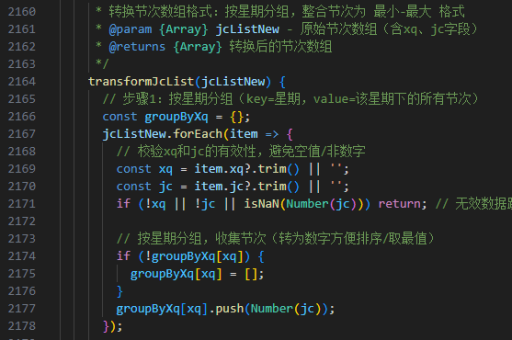
.nav a:hover {
    color: #3385ff;
}

.search-box button:hover {
    background: #2c78e4;
    cursor: pointer;
}
注意事项
- 实际项目中需替换为百度官方LOGO图片
- 搜索框可能需要添加更多细节样式如圆角边框
- 响应式设计需额外添加媒体查询适配移动设备