java面板如何锁定
锁定Java面板的方法
锁定Java面板通常涉及禁用用户交互或防止面板内容被修改。以下是几种常见的方法:
禁用面板组件
通过遍历面板中的所有组件并将其设置为不可编辑或不可用状态,可以有效锁定面板:
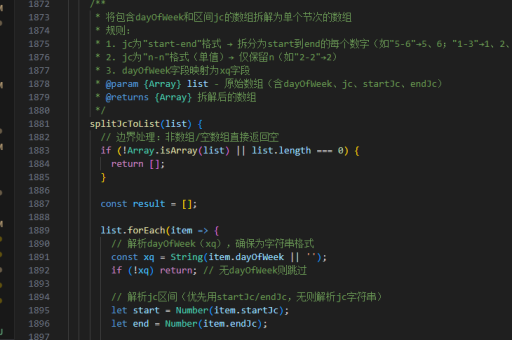
public void lockPanel(JPanel panel) {
    Component[] components = panel.getComponents();
    for (Component component : components) {
        if (component instanceof JTextComponent) {
            ((JTextComponent) component).setEditable(false);
        }
        if (component instanceof AbstractButton) {
            ((AbstractButton) component).setEnabled(false);
        }
    }
}
使用GlassPane阻止交互
在面板上层覆盖一个透明的GlassPane可以阻止所有鼠标和键盘事件:

public void lockWithGlassPane(JFrame frame) {
    JPanel glassPane = new JPanel();
    glassPane.setOpaque(false);
    glassPane.addMouseListener(new MouseAdapter() {});
    glassPane.addKeyListener(new KeyAdapter() {});
    frame.setGlassPane(glassPane);
    glassPane.setVisible(true);
}
设置面板为不可见或不可用
直接禁用整个面板或其父容器:
panel.setEnabled(false);  // 禁用面板交互
panel.setVisible(false);  // 隐藏面板
使用权限控制
通过安全管理器或自定义权限逻辑限制对面板的修改:
System.setSecurityManager(new SecurityManager() {
    @Override
    public void checkPermission(Permission perm) {
        if ("modifyPanel".equals(perm.getName())) {
            throw new SecurityException("Panel modification not allowed");
        }
    }
});
注意事项
- 锁定后需确保提供解锁机制恢复面板功能
- GlassPane方法会阻止所有交互,需谨慎使用
- 权限控制适用于需要高安全性的场景