jquery全选反选
jQuery全选反选实现方法
使用jQuery实现全选和反选功能可以通过操作复选框的checked属性来完成。以下是几种常见的实现方式:
全选功能
$('#selectAll').click(function() {
    $('input[type="checkbox"]').prop('checked', this.checked);
});
反选功能
$('#reverseSelect').click(function() {
    $('input[type="checkbox"]').each(function() {
        $(this).prop('checked', !$(this).prop('checked'));
    });
});
完整示例代码
<!DOCTYPE html>
<html>
<head>
    <title>jQuery全选反选示例</title>
    <script src="https://code.jquery.com/jquery-3.6.0.min.js"></script>
</head>
<body>
    <button id="selectAll">全选</button>
    <button id="reverseSelect">反选</button>

    <div>
        <input type="checkbox" class="item">选项1<br>
        <input type="checkbox" class="item">选项2<br>
        <input type="checkbox" class="item">选项3<br>
        <input type="checkbox" class="item">选项4<br>
    </div>

    <script>
        $('#selectAll').click(function() {
            $('.item').prop('checked', true);
        });

        $('#reverseSelect').click(function() {
            $('.item').each(function() {
                $(this).prop('checked', !$(this).prop('checked'));
            });
        });
    </script>
</body>
</html>
注意事项
- 确保jQuery库已正确引入,可以使用CDN或本地文件
- 复选框需要设置相同的class或特定的选择器以便统一操作
- 现代jQuery版本推荐使用
prop()方法而非attr()来操作checked属性
高级实现
对于更复杂的需求,可以添加以下功能:
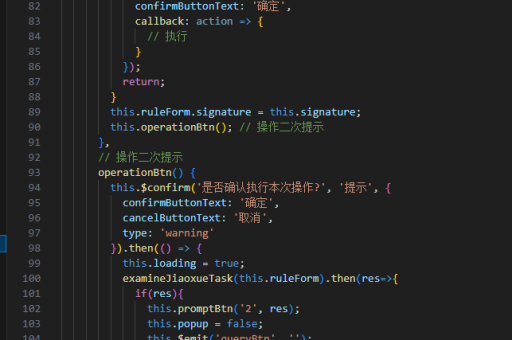
// 全选按钮状态同步
$('.item').change(function() {
    var allChecked = $('.item:checked').length === $('.item').length;
    $('#selectAll').prop('checked', allChecked);
});
这段代码会在用户手动选择/取消选择项目时,自动更新全选按钮的状态。