css怎么制作弧度
制作CSS弧度的几种方法
使用border-radius属性
通过调整border-radius的值可以创建不同弧度的圆角。例如:
.rounded-box {
  border-radius: 10px; /* 统一圆角 */
  border-radius: 50%;  /* 圆形(当元素为正方形时) */
  border-radius: 10px 20px 30px 40px; /* 分别设置四个角的弧度 */
}使用clip-path创建复杂弧度clip-path允许定义更复杂的形状,包括自定义弧线:

.custom-arc {
  clip-path: path('M0 0 L100 0 Q150 50 100 100 L0 100 Z');
}路径中的Q表示二次贝塞尔曲线,可控制弧线的弯曲程度。
结合伪元素和transform
通过伪元素和旋转实现弧形效果:
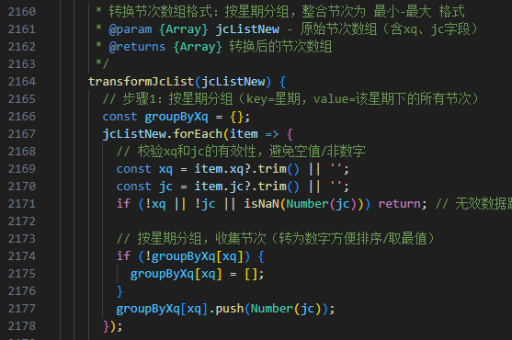
.arc-effect {
  position: relative;
  overflow: hidden;
}
.arc-effect::before {
  content: '';
  position: absolute;
  width: 200%;
  height: 100px;
  bottom: 0;
  left: -50%;
  background: #3498db;
  border-radius: 50%;
  transform: translateY(50%);
}
使用SVG背景或内联SVG
通过SVG的<path>定义弧度并作为背景:
.svg-arc {
  background: url('data:image/svg+xml;utf8,<svg xmlns="http://www.w3.org/2000/svg" viewBox="0 0 100 50"><path d="M0 0 Q50 50 100 0" fill="none" stroke="black"/></svg>');
}
关键参数说明
border-radius的百分比值基于元素自身尺寸。clip-path的path()函数需遵循SVG路径语法。- 贝塞尔曲线的控制点(如
Q150 50中的150 50)决定弧线的曲率和方向。
根据具体需求选择方法,简单圆角推荐border-radius,复杂曲线建议使用clip-path或SVG。