css文字制作特效
文字阴影效果
通过text-shadow属性为文字添加阴影,可设置水平偏移、垂直偏移、模糊半径和颜色:
.text-shadow {
  text-shadow: 2px 2px 4px rgba(0, 0, 0, 0.5);
}
渐变文字效果
使用背景渐变配合background-clip和text-fill-color实现:
.gradient-text {
  background: linear-gradient(to right, #ff8a00, #da1b60);
  -webkit-background-clip: text;
  -webkit-text-fill-color: transparent;
}
描边文字效果
通过-webkit-text-stroke属性添加文字描边:
.stroked-text {
  -webkit-text-stroke: 1px #000;
  color: transparent;
}
文字发光效果
结合多重text-shadow创造发光效果:
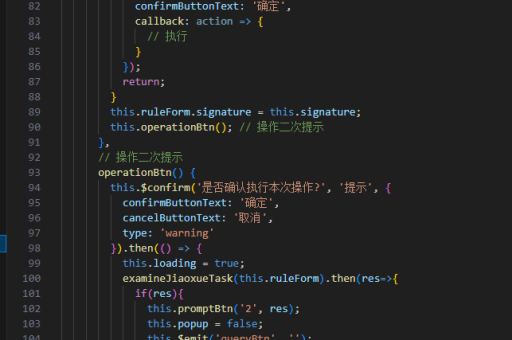
.glow-text {
  text-shadow: 0 0 5px #fff, 0 0 10px #fff, 0 0 15px #e60073;
}
3D立体文字
使用多层阴影叠加创造立体感:
.three-d-text {
  color: white;
  text-shadow:
    1px 1px 1px #919191,
    1px 2px 1px #919191,
    1px 3px 1px #919191;
}
文字动画效果
通过CSS动画让文字产生动态变化:

.animated-text {
  animation: colorChange 2s infinite alternate;
}
@keyframes colorChange {
  from { color: red; }
  to { color: blue; }
}
打字机效果
利用animation和steps()函数模拟打字:
.typewriter {
  overflow: hidden;
  border-right: .15em solid orange;
  white-space: nowrap;
  animation:
    typing 3.5s steps(40, end),
    blink-caret .75s step-end infinite;
}
@keyframes typing {
  from { width: 0 }
  to { width: 100% }
}
@keyframes blink-caret {
  from, to { border-color: transparent }
  50% { border-color: orange; }
}
文字悬浮放大
使用transform实现悬停放大效果:
.scale-text {
  transition: transform 0.3s;
}
.scale-text:hover {
  transform: scale(1.2);
}
文字背景图案
通过背景图像为文字添加纹理:
.pattern-text {
  background: url('pattern.png');
  -webkit-background-clip: text;
  -webkit-text-fill-color: transparent;
}