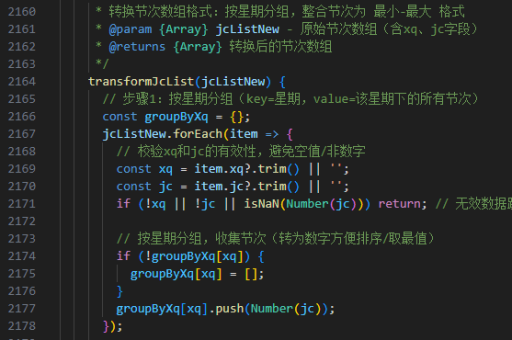
vue实现底部波浪
使用 SVG 路径实现波浪效果
在 Vue 中,可以通过 SVG 路径 (<path>) 结合动态数据或 CSS 动画实现底部波浪效果。以下是一个基础实现示例:
<template>
  <div class="wave-container">
    <svg viewBox="0 0 1200 120" preserveAspectRatio="none">
      <path
        :d="wavePath"
        fill="#42b983"
        stroke="none"
      ></path>
    </svg>
  </div>
</template>

<script>
export default {
  data() {
    return {
      waveFrequency: 0.015,
      waveAmplitude: 20,
      wavePoints: 20
    }
  },
  computed: {
    wavePath() {
      let path = `M 0 ${this.waveAmplitude}`
      for (let i = 0; i <= this.wavePoints; i++) {
        const x = i * (1200 / this.wavePoints)
        const y = Math.sin(i * this.waveFrequency) * this.waveAmplitude + this.waveAmplitude
        path += ` L ${x} ${y}`
      }
      path += ` L 1200 ${this.waveAmplitude * 2} L 0 ${this.waveAmplitude * 2} Z`
      return path
    }
  }
}
</script>

<style>
.wave-container {
  width: 100%;
  position: fixed;
  bottom: 0;
  left: 0;
}
svg {
  display: block;
  width: 100%;
  height: 60px;
}
</style>
添加 CSS 动画增强效果
通过 CSS 关键帧动画让波浪产生动态效果:

@keyframes waveAnimation {
  0% { transform: translateX(0) translateZ(0); }
  100% { transform: translateX(-50%) translateZ(0); }
}

.wave-container svg path {
  animation: waveAnimation 5s linear infinite;
}
使用第三方库简化实现
对于更复杂的波浪效果,可以使用 vue-waves 或 wavesurfer.js 等库:
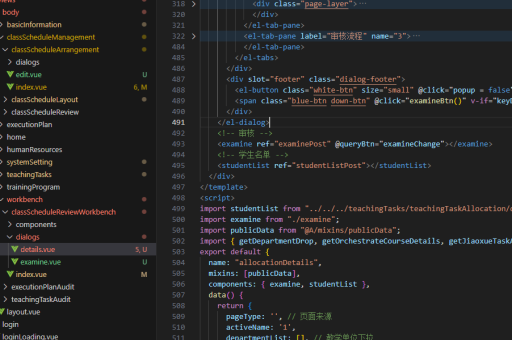
npm install vue-waves<template>
<vue-waves
:color="'#42b983'"
:position="'bottom'"
/>
</template>
<script>
import VueWaves from 'vue-waves'
export default {
components: { VueWaves }
}
</script>响应式高度调整
通过监听窗口大小变化动态调整波浪高度:
export default {
  mounted() {
    window.addEventListener('resize', this.handleResize)
  },
  beforeDestroy() {
    window.removeEventListener('resize', this.handleResize)
  },
  methods: {
    handleResize() {
      this.waveAmplitude = window.innerWidth < 768 ? 15 : 25
    }
  }
}
多层级波浪叠加
创建多个波浪路径形成更丰富的视觉效果:
<svg viewBox="0 0 1200 200">
  <path
    v-for="(wave, index) in waves"
    :key="index"
    :d="wave.path"
    :fill="wave.color"
    :opacity="wave.opacity"
    class="wave-layer"
  ></path>
</svg>
data() {
return {
waves: [
{ path: '', color: '#42b983', opacity: 0.7, frequency: 0.02 },
{ path: '', color: '#35495e', opacity: 0.5, frequency: 0.015 },
{ path: '', color: '#61dafb', opacity: 0.3, frequency: 0.01 }
]
}
}