uniapp定义数组
定义数组的方法
在UniApp中,定义数组的方式与标准JavaScript一致。可以通过以下几种方式实现:
直接使用字面量语法
const arr1 = [1, 2, 3, 4];
const arr2 = ['a', 'b', 'c'];
使用Array构造函数

const arr3 = new Array();
const arr4 = new Array(1, 2, 3);
数组类型声明(TypeScript)
在TypeScript环境下可以指定数组类型:
// 数字数组
const numbers: number[] = [1, 2, 3];

// 字符串数组
const strings: Array<string> = ['a', 'b', 'c'];

// 混合类型数组
const mixed: (string | number)[] = [1, 'a', 2, 'b'];
在Vue组件中使用
在UniApp的Vue组件中,通常会在data中定义数组:
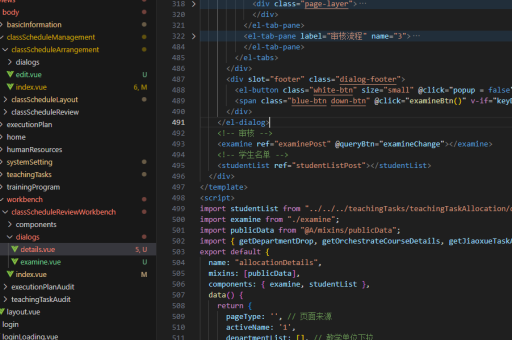
export default {
  data() {
    return {
      list: ['item1', 'item2', 'item3'],
      objectArray: [
        { id: 1, name: 'Apple' },
        { id: 2, name: 'Banana' }
      ]
    }
  }
}
动态修改数组
UniApp中修改数组需要注意Vue的响应式规则:
// 添加元素
this.list.push('newItem');

// 删除元素
this.list.splice(index, 1);

// 直接修改数组长度
this.list.length = newLength;
注意事项
对于需要响应式更新的数组操作,应该使用Vue提供的方法或确保使用能够触发视图更新的方式。直接通过索引修改数组元素时,需要使用Vue.set或数组的splice方法:
// 正确的方式
Vue.set(this.list, index, newValue);
this.list.splice(index, 1, newValue);