uniapp组件组装
uniapp组件组装方法
uniapp支持组件化开发,通过组件组装可以提升代码复用性和可维护性。以下是常见的组件组装方式:
创建组件
在components目录下新建.vue文件,例如MyComponent.vue:
<template>
  <view>
    <text>{{ message }}</text>
  </view>
</template>

<script>
export default {
  props: {
    message: {
      type: String,
      default: '默认消息'
    }
  }
}
</script>
全局注册组件
在main.js中全局注册组件:
import MyComponent from '@/components/MyComponent.vue'
Vue.component('my-component', MyComponent)
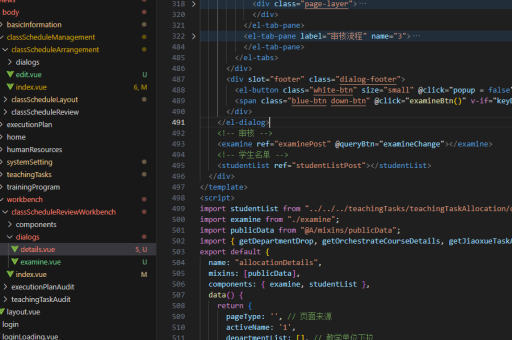
局部注册组件 在页面或组件中局部引入:
<script>
import MyComponent from '@/components/MyComponent.vue'
export default {
  components: {
    MyComponent
  }
}
</script>
组件通信方式
-
父传子:通过props传递数据
<my-component message="来自父组件的数据"></my-component> -
子传父:通过$emit触发事件
// 子组件
this.$emit('custom-event', data)
// 父组件 <my-component @custom-event="handleEvent">

- 跨级通信:使用provide/inject
```javascript
// 祖先组件
provide() {
  return {
    theme: 'dark'
  }
}

// 后代组件
inject: ['theme']
动态组件
使用<component>标签实现动态切换:
<component :is="currentComponent"></component>插槽使用
- 默认插槽:
<!-- 子组件 -->
<slot></slot>
- 具名插槽:
<!-- 子组件 -->
<slot name="header"></slot>
组件生命周期
组件生命周期与Vue标准组件一致,包括created、mounted等钩子函数,同时支持uniapp特有的页面生命周期。
注意事项
- 组件样式默认隔离,可使用
options配置styleIsolation - 组件应尽量保持单一职责原则
- 复杂组件建议拆分多个小组件组合使用
- 合理使用计算属性和watch处理数据变化