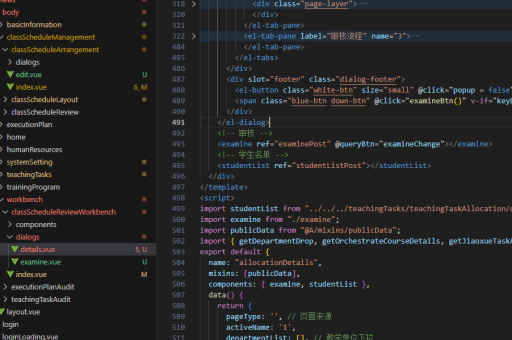
用Vue实现
Vue实现方法
安装Vue
确保已安装Node.js和npm。使用Vue CLI创建新项目:
npm install -g @vue/cli
vue create project-name
cd project-name
创建组件
在src/components目录下创建Vue组件文件,例如MyComponent.vue:
<template>
  <div>
    <h3>{{ title }}</h3>
    <button @click="handleClick">点击</button>
  </div>
</template>

<script>
export default {
  data() {
    return {
      title: 'Vue组件示例'
    }
  },
  methods: {
    handleClick() {
      console.log('按钮被点击');
    }
  }
}
</script>

<style scoped>
h3 {
  color: #42b983;
}
</style>
注册组件
在父组件或入口文件中注册并使用该组件:
<template>
  <div id="app">
    <MyComponent />
  </div>
</template>

<script>
import MyComponent from './components/MyComponent.vue'

export default {
  components: {
    MyComponent
  }
}
</script>
状态管理(可选)
对于复杂状态管理,可使用Vuex:
npm install vuex创建store:
import Vue from 'vue'
import Vuex from 'vuex'

Vue.use(Vuex)

export default new Vuex.Store({
  state: {
    count: 0
  },
  mutations: {
    increment(state) {
      state.count++
    }
  }
})
路由配置(可选)
需要路由功能时安装Vue Router:
npm install vue-router配置路由:
import Vue from 'vue'
import Router from 'vue-router'
import Home from './views/Home.vue'

Vue.use(Router)

export default new Router({
  routes: [
    {
      path: '/',
      name: 'home',
      component: Home
    }
  ]
})
运行项目
启动开发服务器:
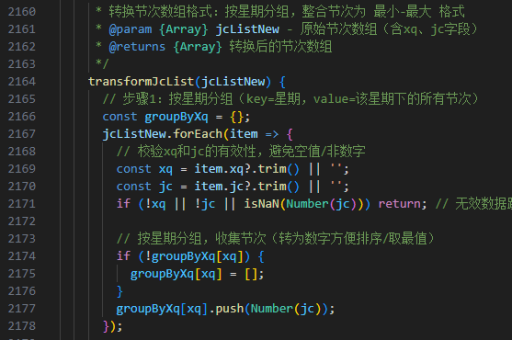
npm run serve